DNP
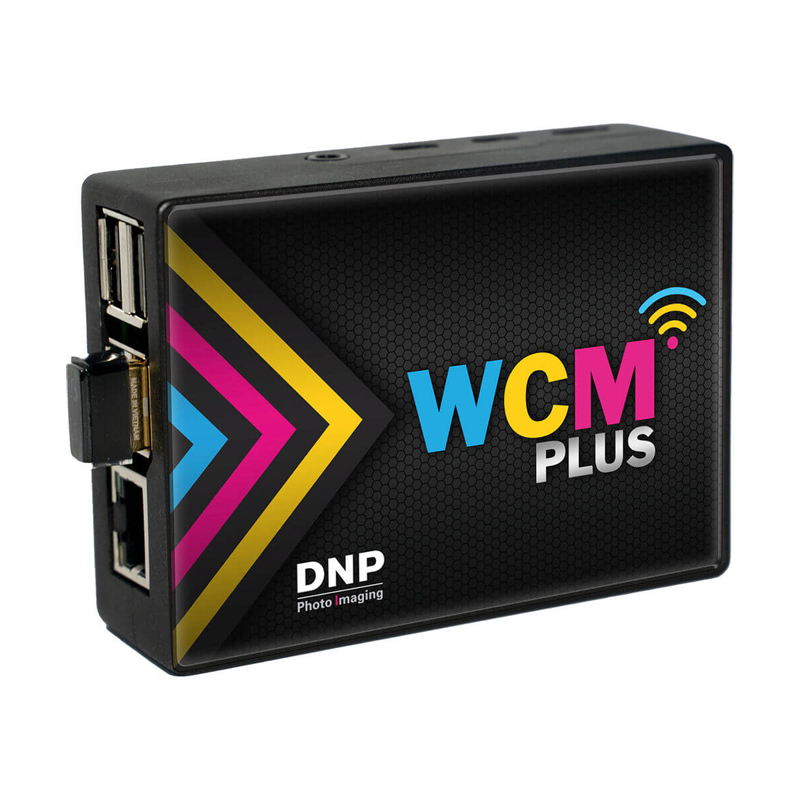
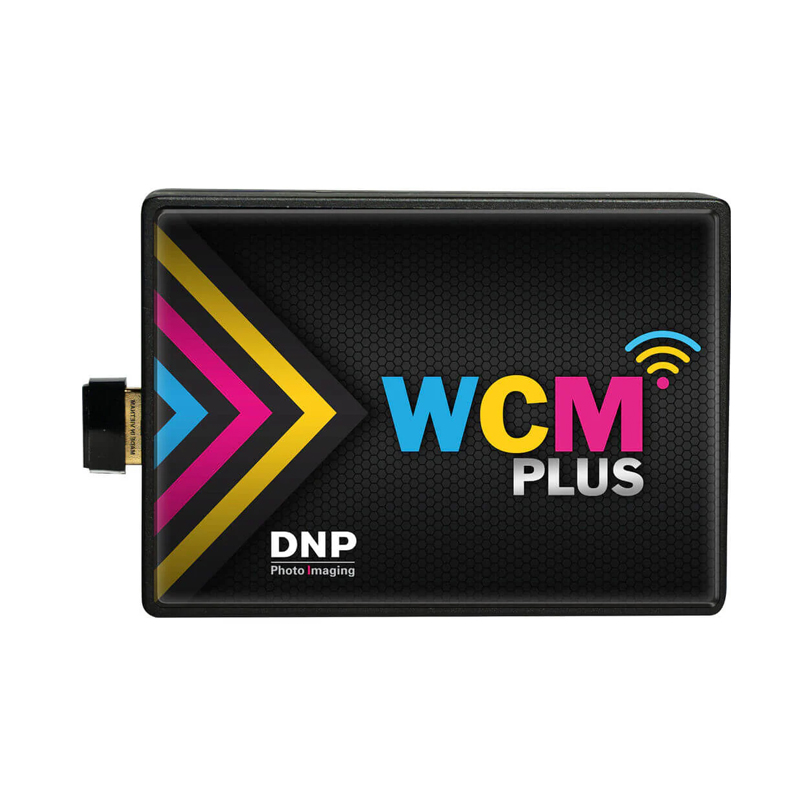
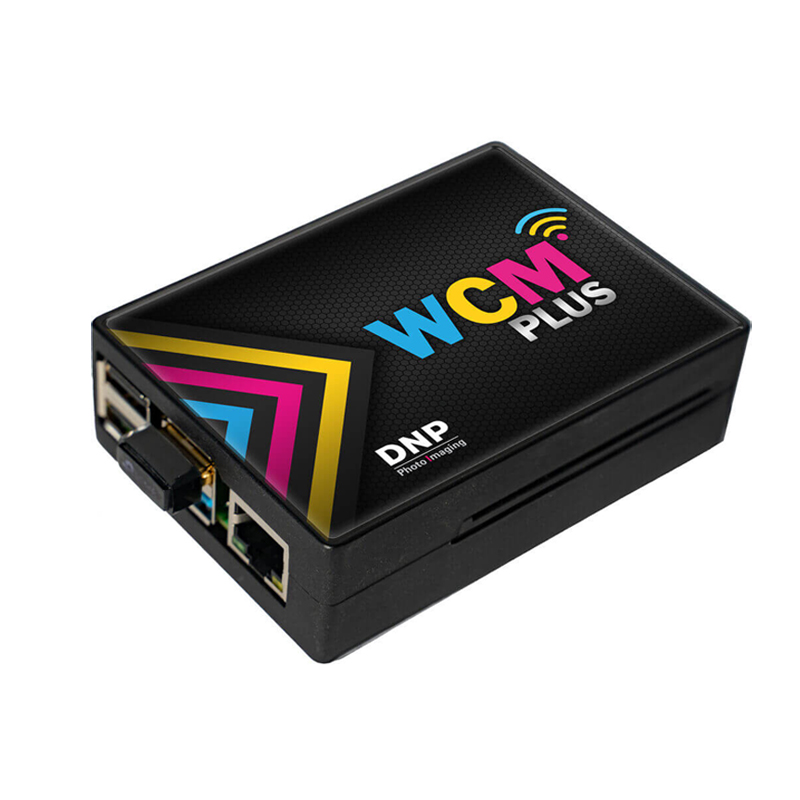
DNP WCM Plus Wireless Connect Module – AirPrint & Android Wireless Printing for DNP Printer
PRODUCT DESCRIPTION
Description
The DNP WCM Plus Wireless Connect Module is a professional-grade wireless print server designed specifically for DNP dye-sublimation photo printers. It allows direct wireless photo printing from mobile devices—without a computer, drivers, or USB cables—making it the ideal solution for photo booths, event photography, kiosks, and on-site printing environments.
With native Apple AirPrint support for iPhone and iPad and an enhanced Android printing workflow, the DNP WCM Plus transforms your DNP printer into a true Wi-Fi photo printer. Guests and operators can print instantly from their phones or tablets, improving reliability, reducing setup time, and increasing throughput at busy events.
Also known as the DNP WCM+ or DNP Wireless Connect Module Plus, this compact module is purpose-built for high-volume, multi-user environments where speed, stability, and ease of use are critical.
Key Features of the DNP WCM Plus Wireless Module
-
Native Apple AirPrint (iPhone & iPad)
True plug-and-play wireless printing from iOS devices—no apps, drivers, or laptops required. -
Optimized Android Printing
Enhanced Android workflow designed for high-volume event and kiosk printing. -
Multi-User Event Printing
Supports dozens of simultaneous users—ideal for weddings, corporate events, brand activations, and parties. -
Fast Wireless Transfers
Typical 4×6 photo transfer in approximately 10–12 seconds (network dependent). -
Connect Up to Three DNP Printers
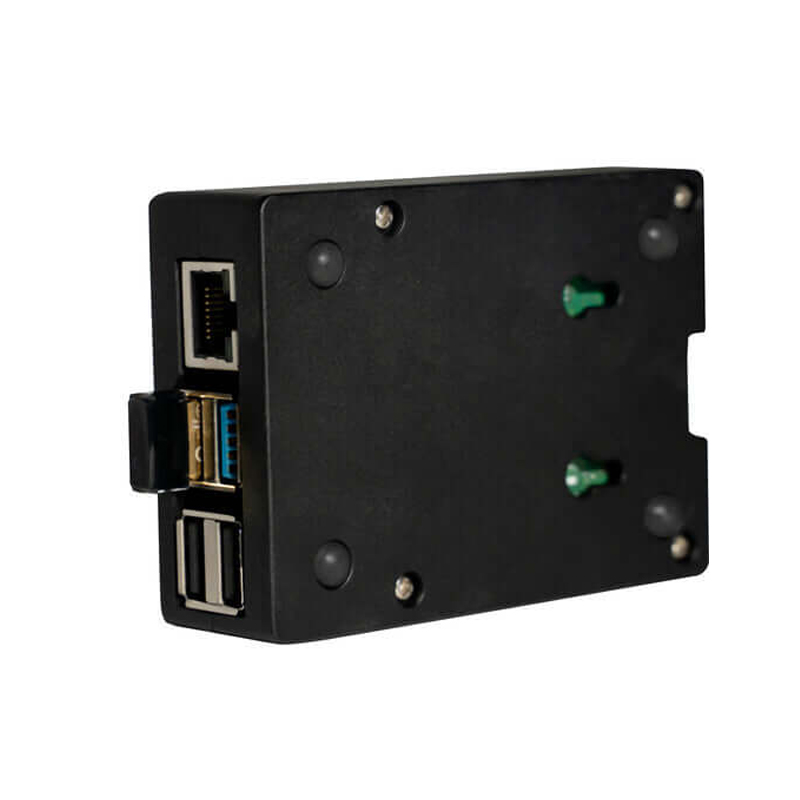
Three USB ports allow multiple printers to run from a single WCM Plus module. -
Custom Borders & Branding
Add logos, frames, overlays, and branded templates—perfect for sponsors and marketing activations. -
Event-Ready Hardware
Compact, durable design built for continuous operation in demanding environments.
???? Compatible DNP Printers
The DNP WCM Plus is fully compatible with the most popular DNP dye-sublimation photo printers:
- DNP DS620SD – 4×6, 5×7, 6×8, panoramas (6×14 / 6×20)
- DNP DS820SD – 8×10, 8×12, panoramas up to 8×26
- DNP RX1HS – 4×6 and 2×6 photo booth strips
- DNP QW410 – ultra-compact event printer
- DNP DS40 / DS80 – legacy models still widely used
Tip: Always update to the latest DNP WCM Plus firmware for optimal performance and stability.
Fast Setup – Typically Under 5 Minutes
- Connect via USB – Plug the WCM Plus into your DNP printer.
- Configure Wi-Fi – Use direct mode or connect to venue Wi-Fi.
- Select Print Method – AirPrint (iOS) or enhanced Android workflow.
- Start Printing – No computer or drivers required.
More From DNP
View all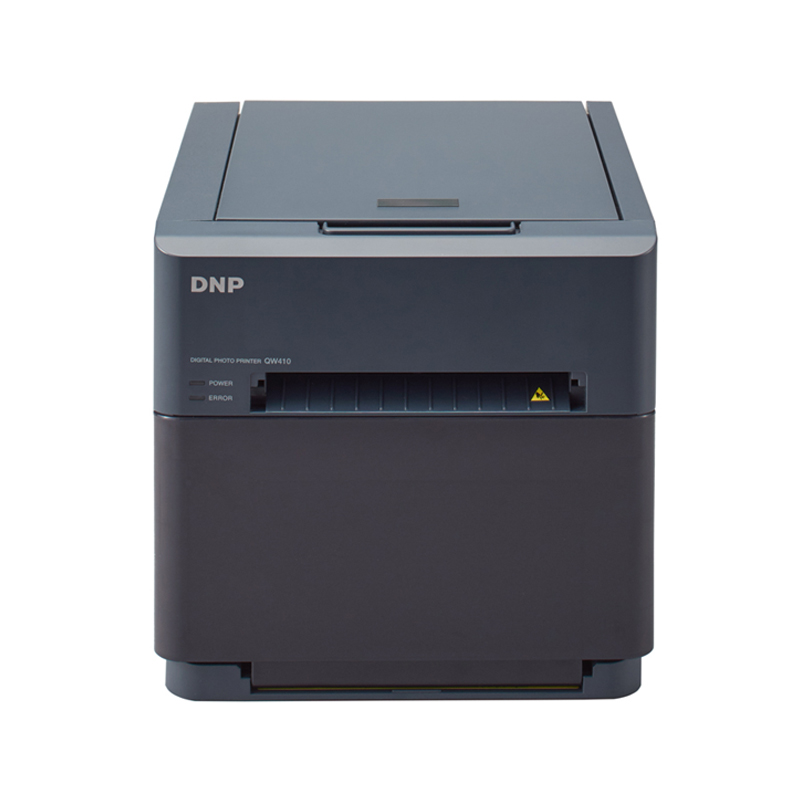
DNP
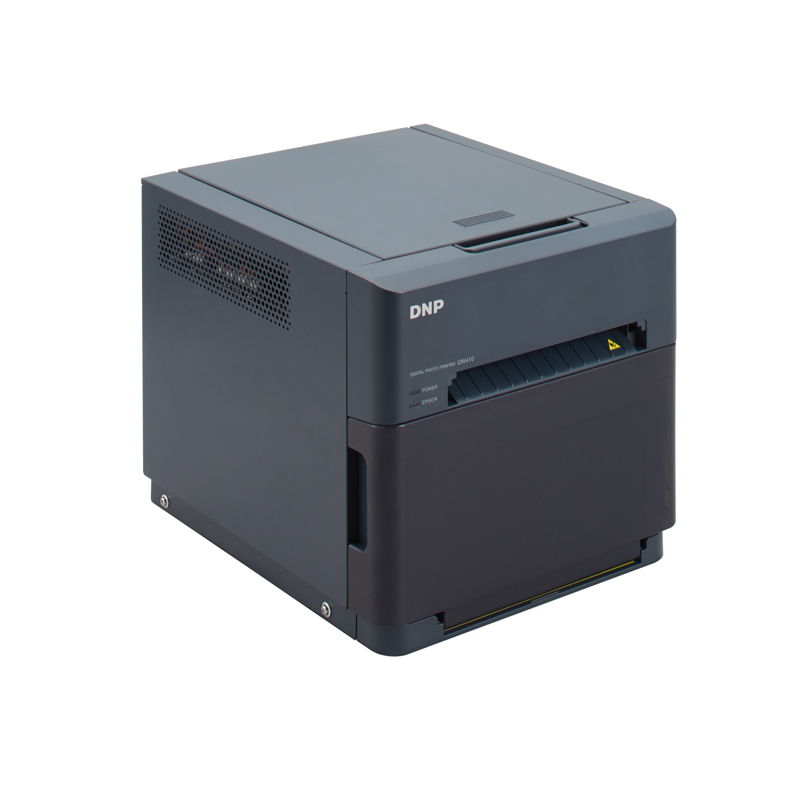
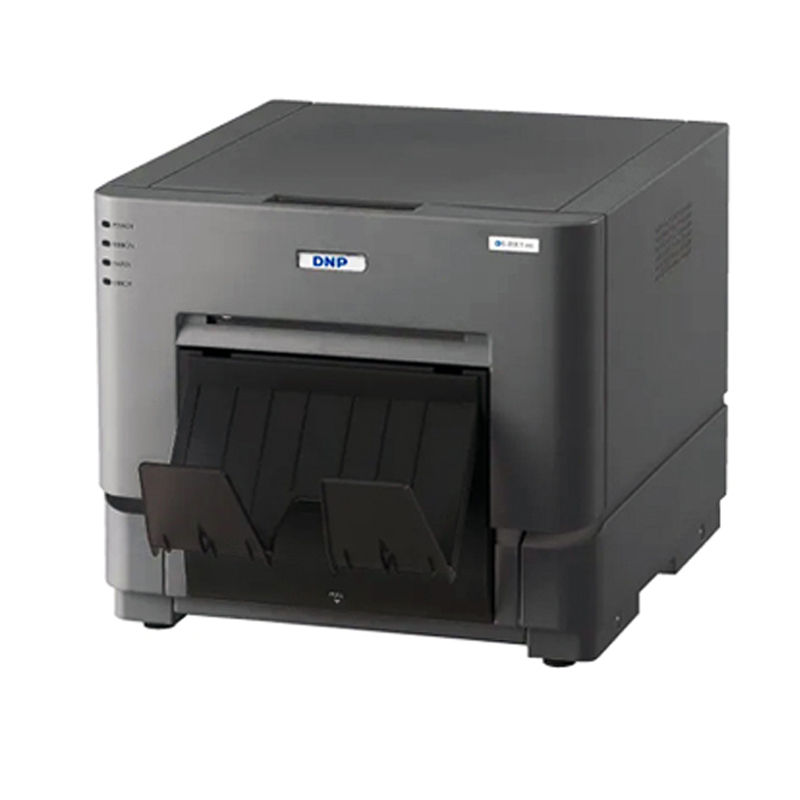
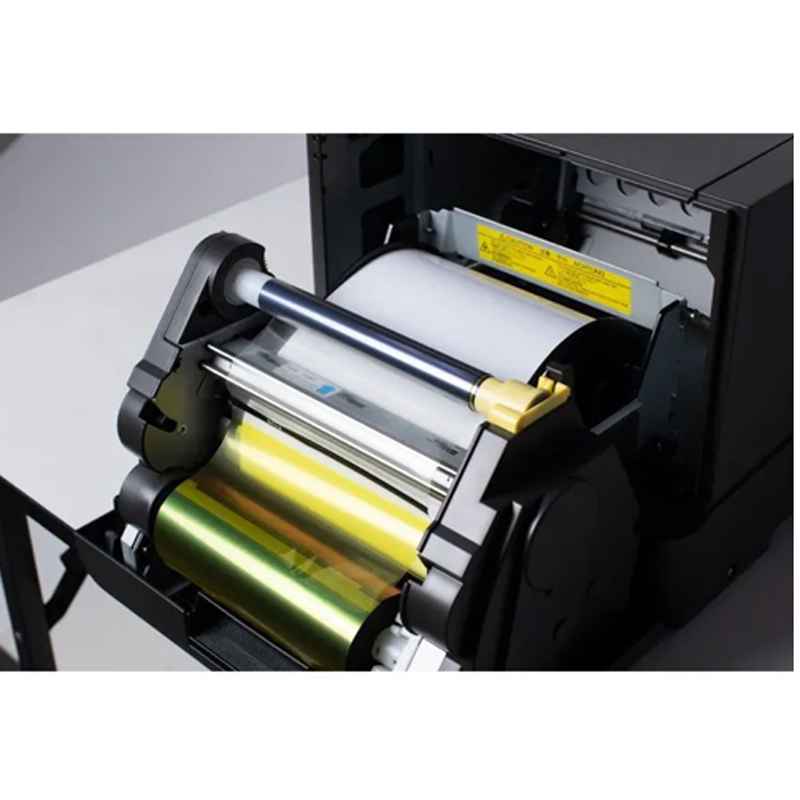
DNP QW410 Professional Photo Printer
DNP
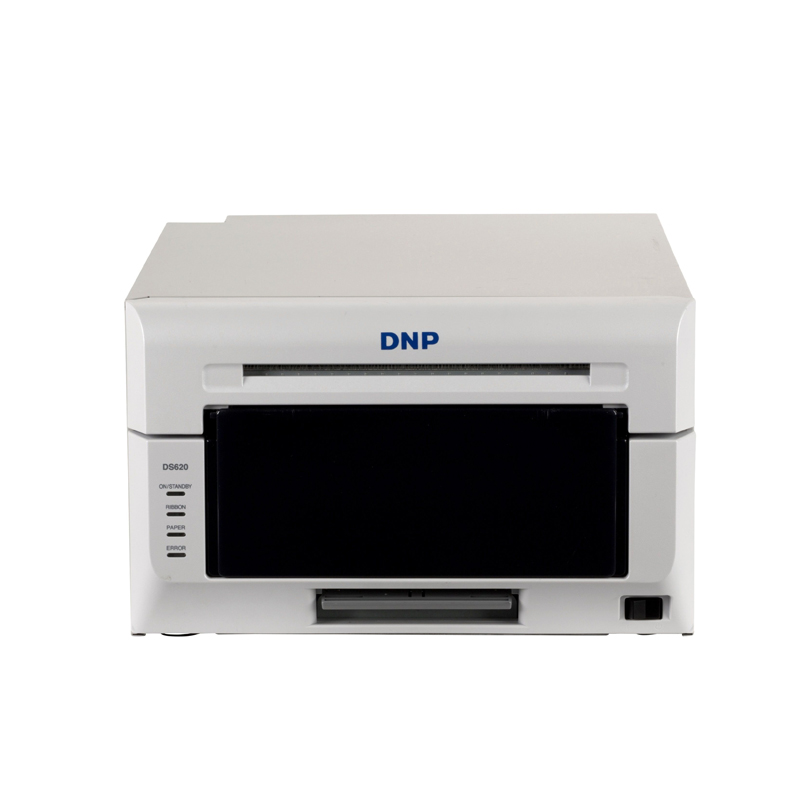
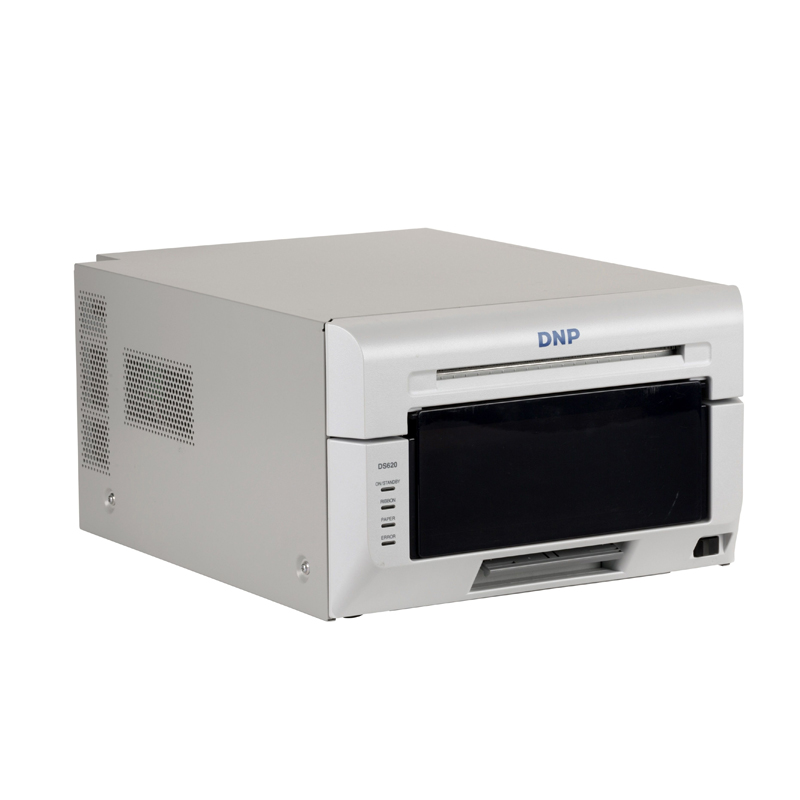
DNP DS-RX1HS Dye Sub Photo Printer
DNP
DNP DS620 Professional Printer
DNP
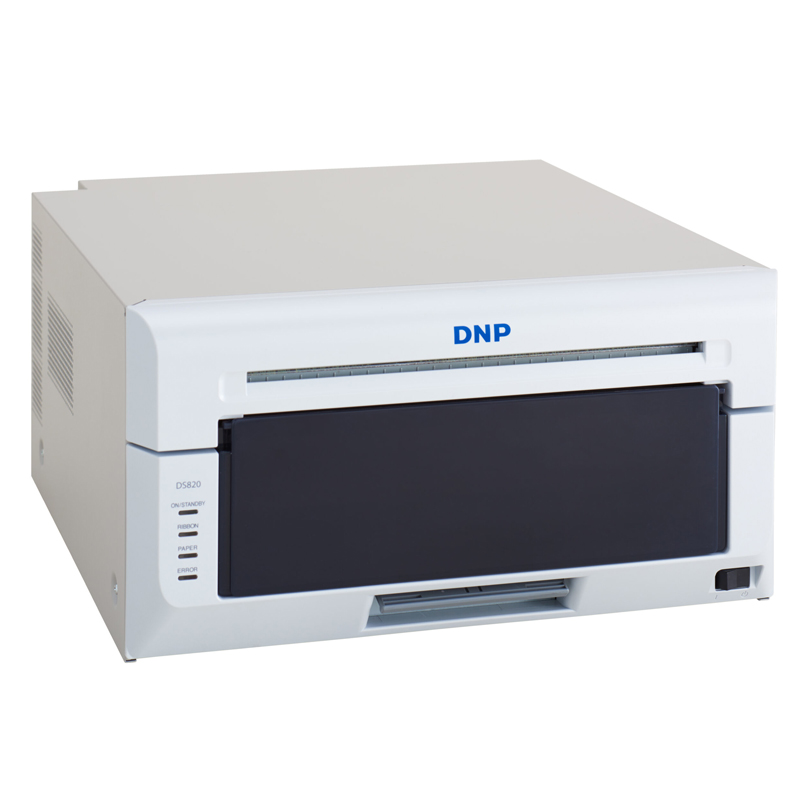
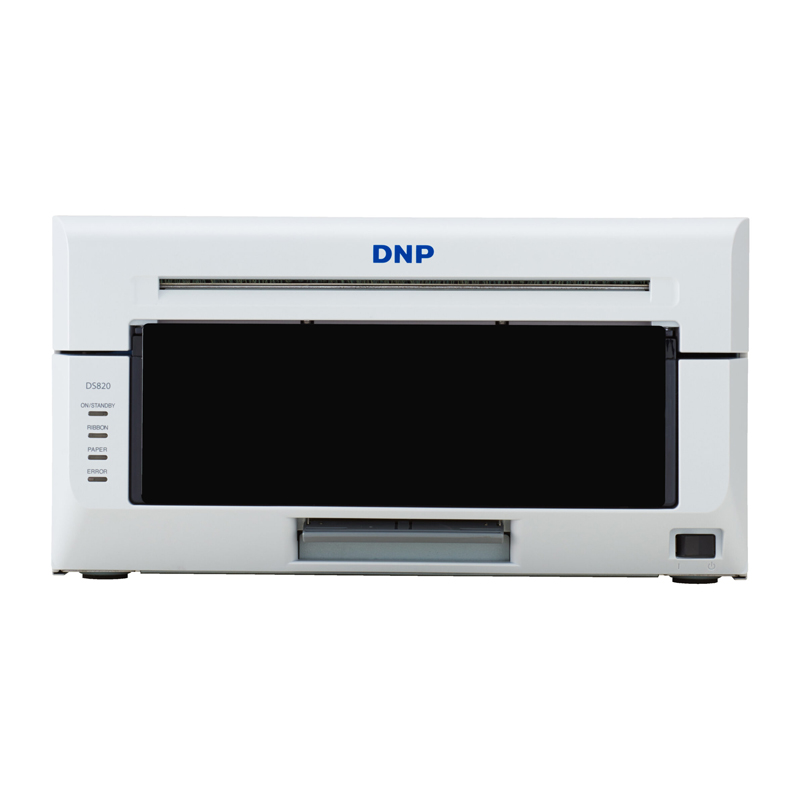
DNP DS820SD – 8x10 & 8x12 Professional Dye-Sub Photo Printer
DNP
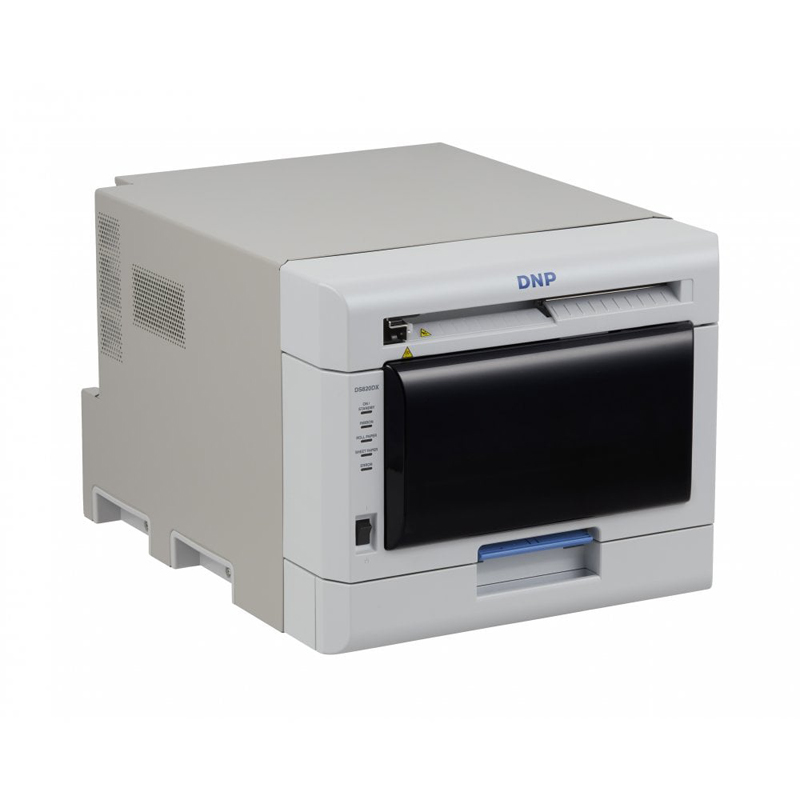
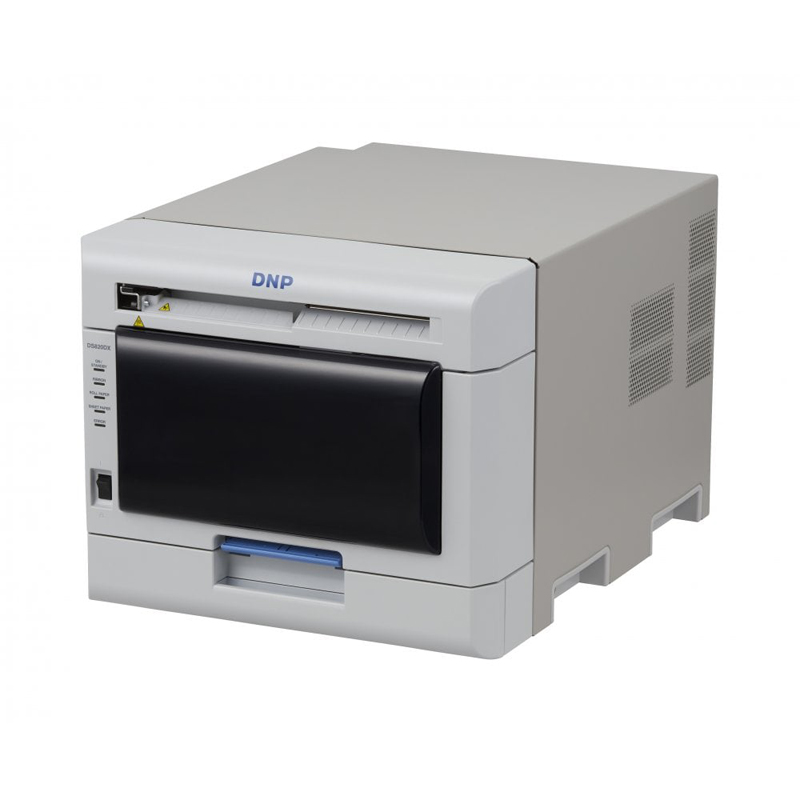
DNP DS820DX Duplex Photo Printer
DNP
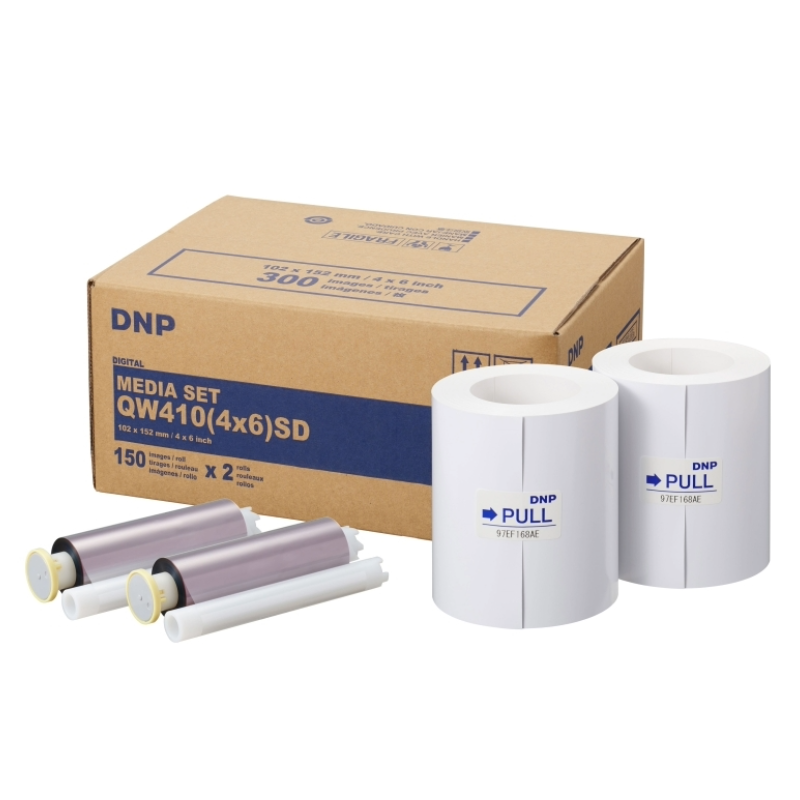
DNP QW410-4X6 Media Kit ( 2 X 150 Prints )
DNP
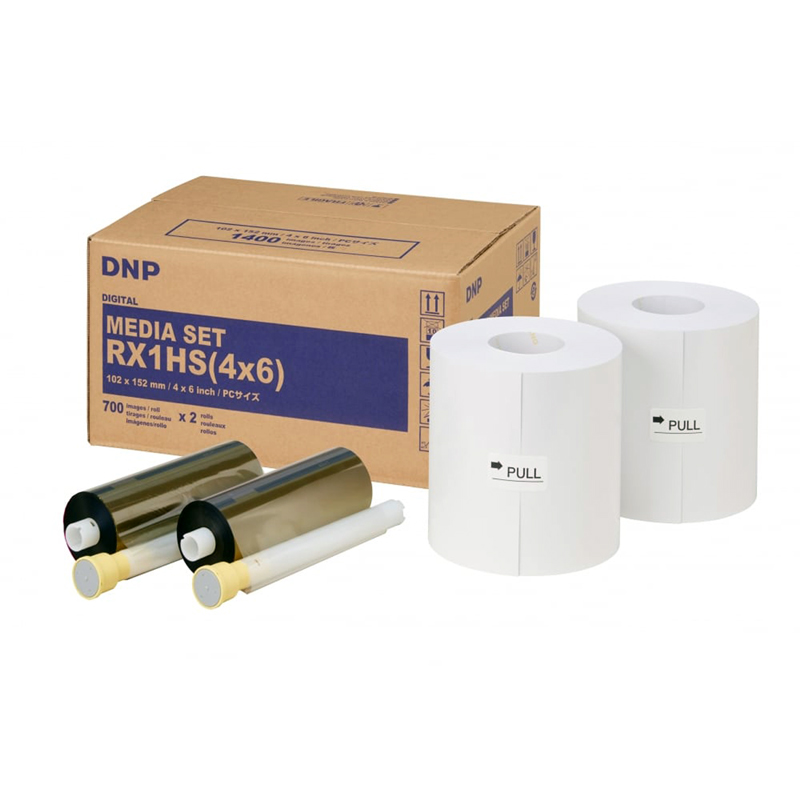
DNP DS-RX1 -4X6 Media Kit ( 2 X 700-4X6 Prints )
DNP
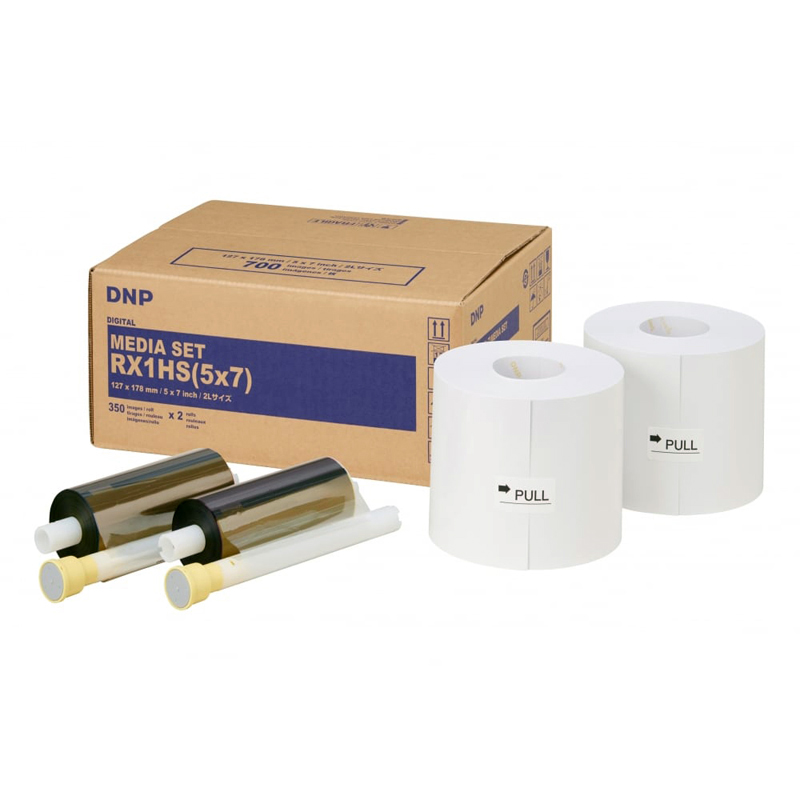
DNP DS HS RX1 -5X7 Media kit ( 2 X350 Prints)
DNP
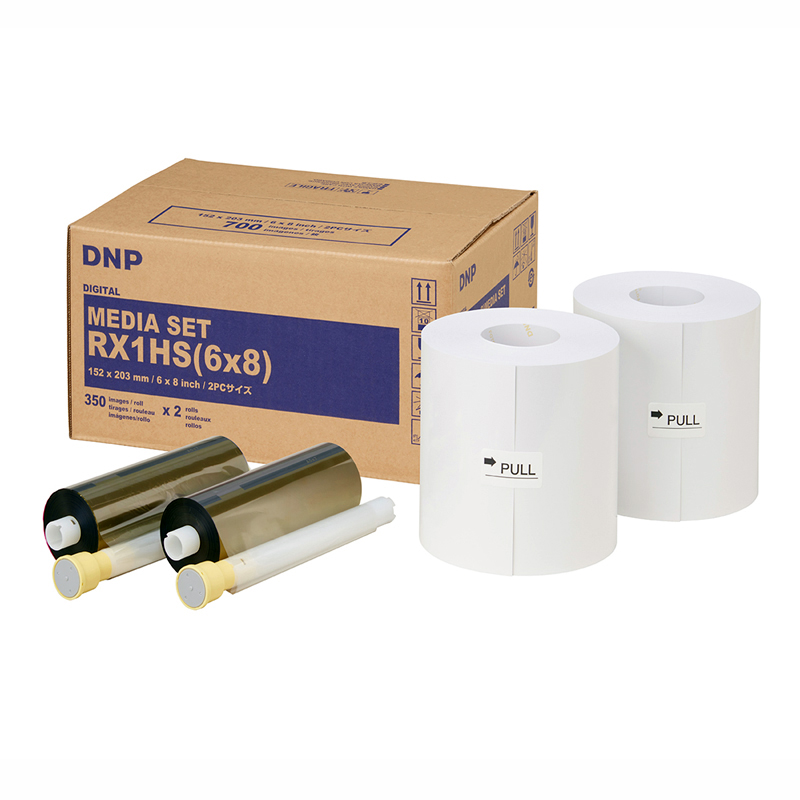
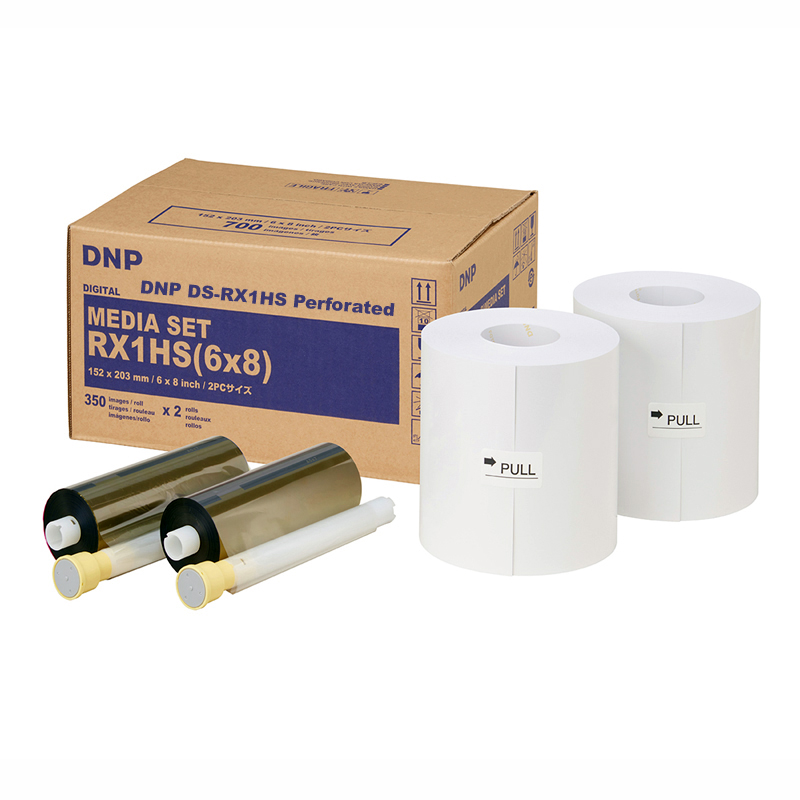
DNP DS HS RX1-6X8 Media Kit ( 2x350 Prints )
DNP
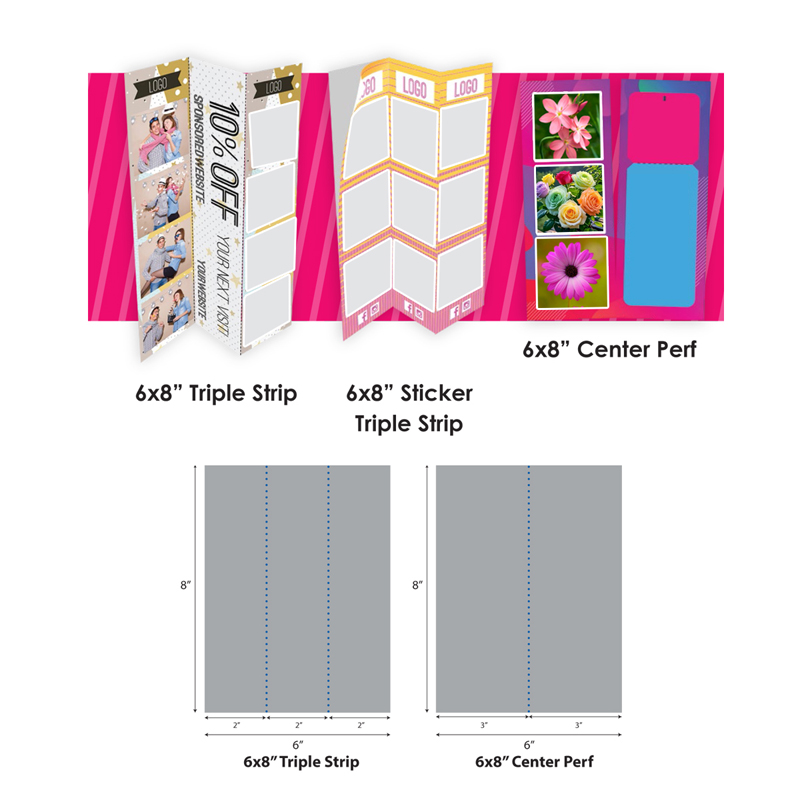
DNP RX1-6x8 Perforated Media Kit