KODAK ALARIS
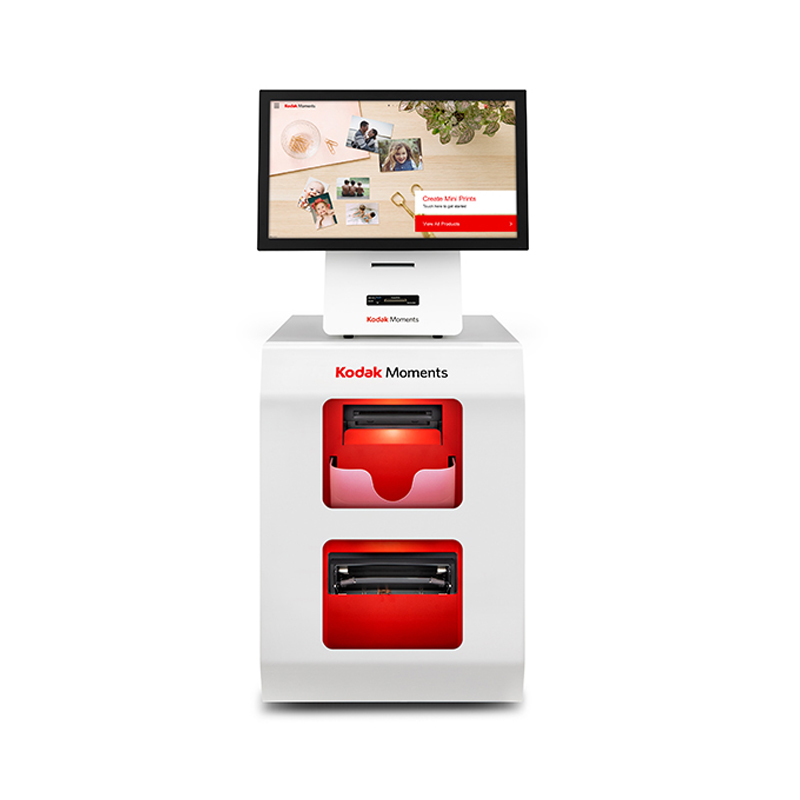
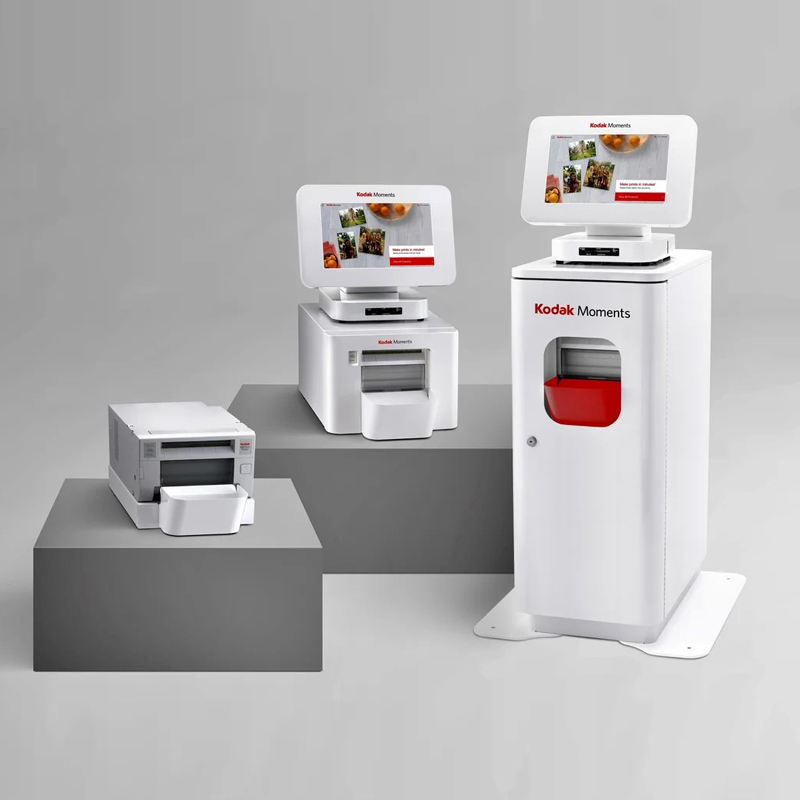
Kodak Moments Edge Order Station With Cabinet
PRODUCT DESCRIPTION
Our software is designed with two separate user interfaces: one for your staff and one that’s consumer-facing.
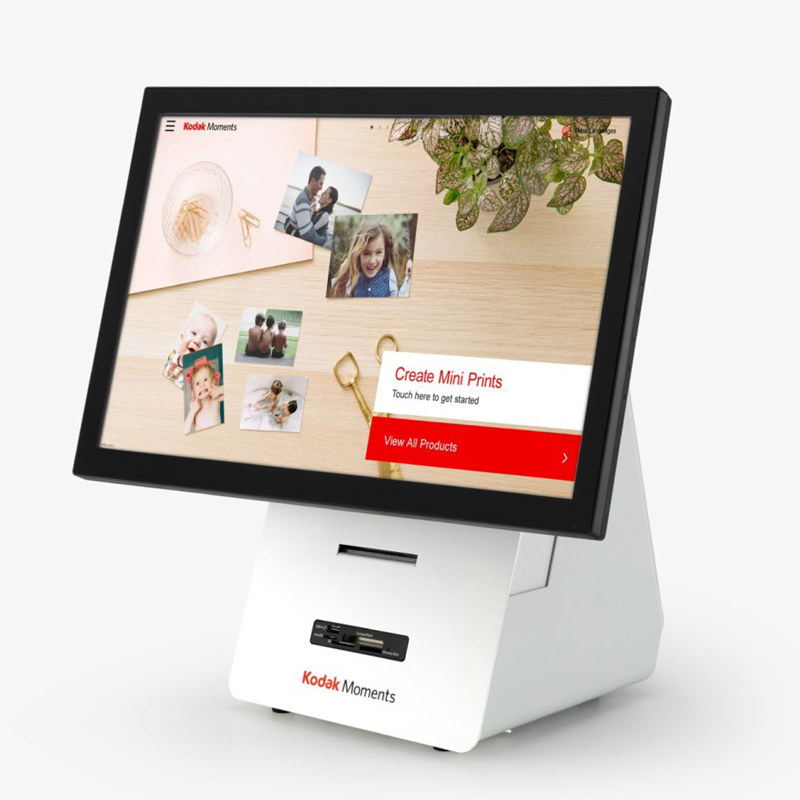
Kodak Moments Kiosk
The consumer workflow makes it easy for consumers to understand the different in-store and out-of-store fulfillment options available at the Kodak Moments Kiosk.
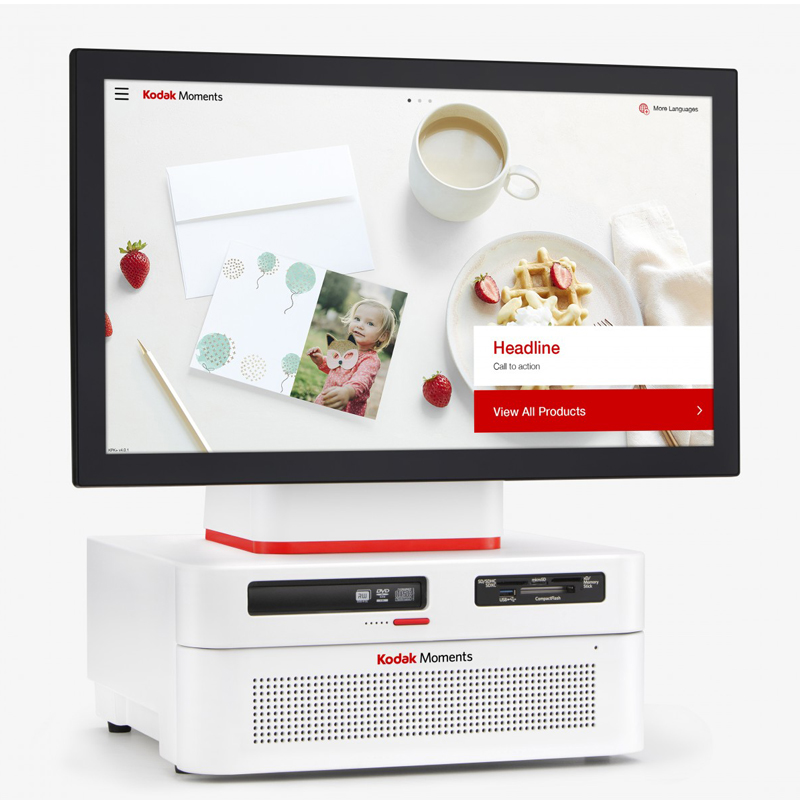
Kodak Adaptive Picture Exchange Workstation
The Kodak Adaptive Picture Exchange Workstation (APEX) is an all-in-one compact workstation. APEX serves as a Lab Manager and monitors the status of your orders from start to finish and provides details about percentage completion. Your staff will be able to learn this incredibly easy-to-use workflow and user interface in less than an hour.
There are two modes for APEX: simple mode which is optimized for high-volume solutions and standard mode which is dialog-driven and optimized for lower volume solutions.
Kodak Moments Self-Service Print Station
Self-service kiosks make it easy and convenient for your consumers to print their favorite photos in store. Consumers can create, order and pay at the Kodak Moments Kiosk, then claim and print at the Self-Service Print Station (SPS). Plus, our self-service kiosks bring in a new source of revenue to you, all without clerk intervention.
Customizable for your business needs.
We take pride in how easy it is for Kodak Moments to integrate into your space and provide a photo center that can easily be configured to your business. From hardware to software to services, you have the power to choose how your photo center is configured.
Based on your business goals, these systems can also be configured with dynamic cloud capabilities:
- Marketing top screens and welcome screens
- Main menu organization and merchandising
- Add product cross sells and upsells
- Make automatic settings updates to help manage the entire fleet
- Pricing
- Monthly Microsoft security updates
- Manage your photo equipment fleet with ease and increase sales by limiting downtime and with easy, automatic updates through Remote Business Manager.
Wireless connection and printing.
Consumers can wirelessly connect to kiosk wifi by scanning the QR code on the screen. This QR code onboarding can expedite the photo upload process, plus, they can print photos directly from Facebook and Google Photos on their phone.
More From KODAK ALARIS
View all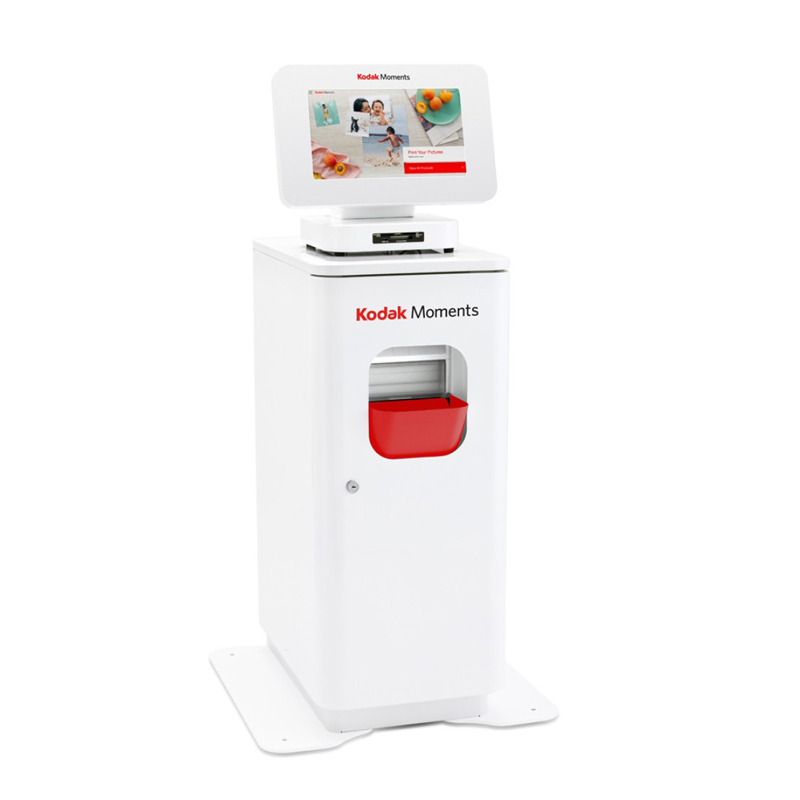
KODAK ALARIS
Kodak M1 Order Station with Cabinet
KODAK ALARIS
Kodak Moments Kiosk G20 Order Station
KODAK ALARIS
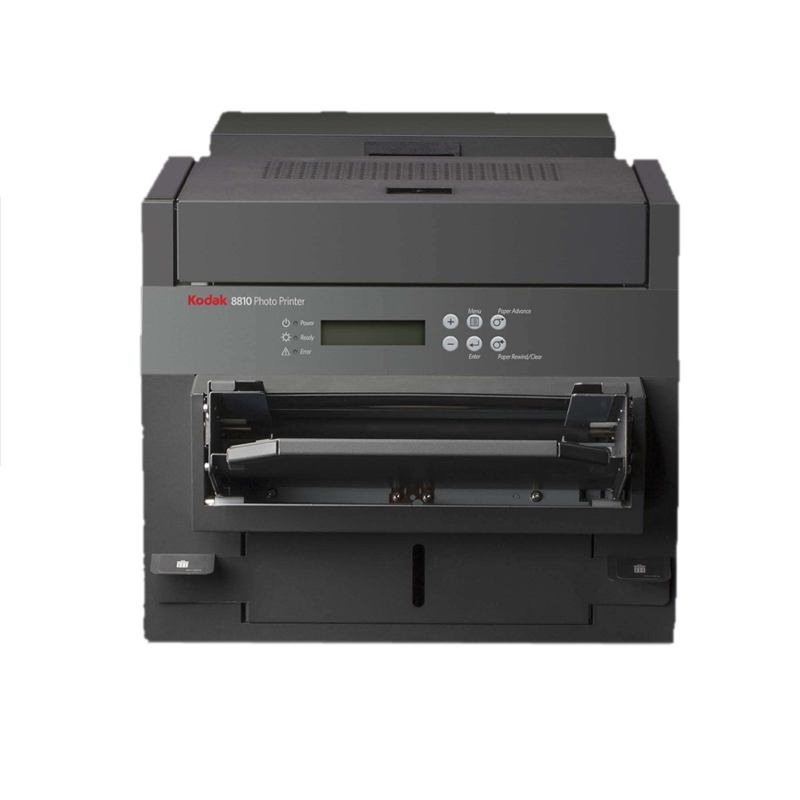
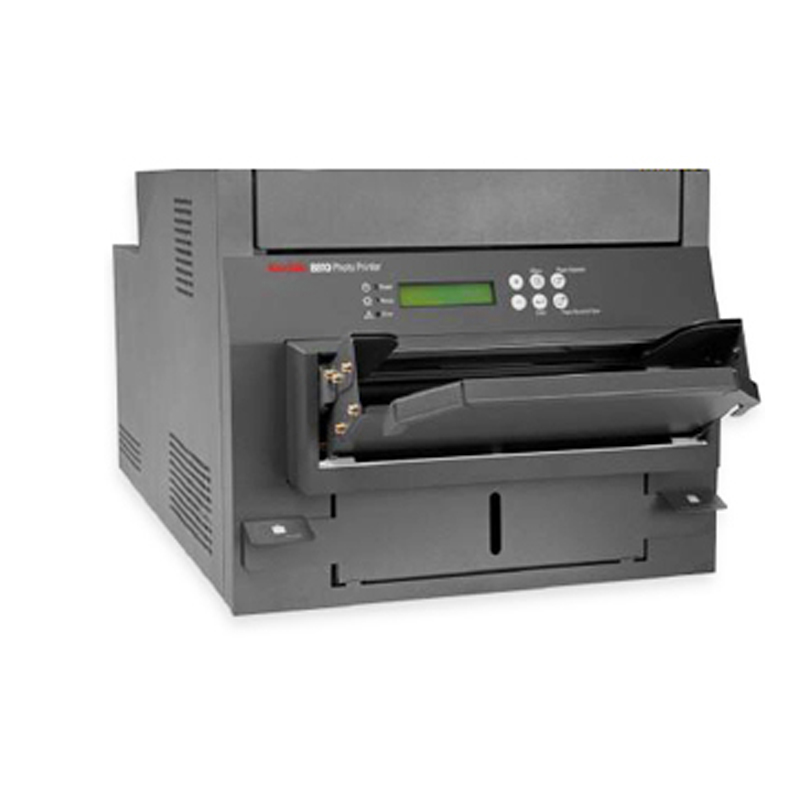
KODAK 8810 Dye Sub Thermal Photo Printer
KODAK ALARIS
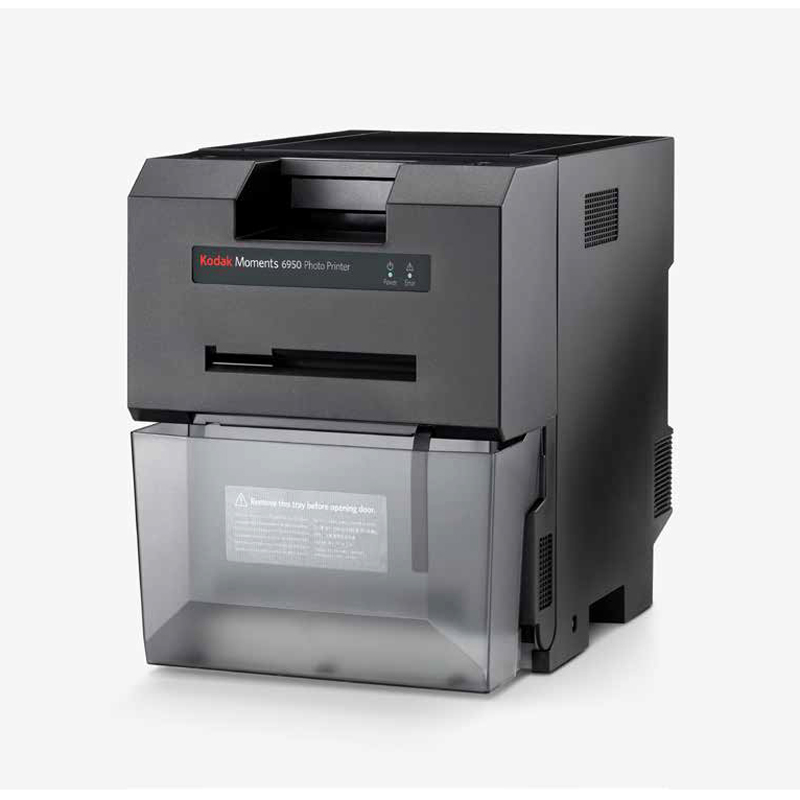
Kodak Thermal 6950 Dye Sub Photo Printer
KODAK ALARIS
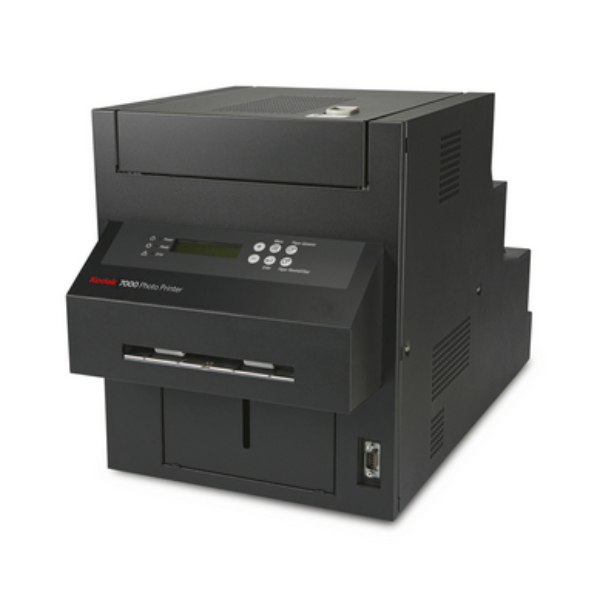
Kodak 7000 Photo Printer
KODAK ALARIS
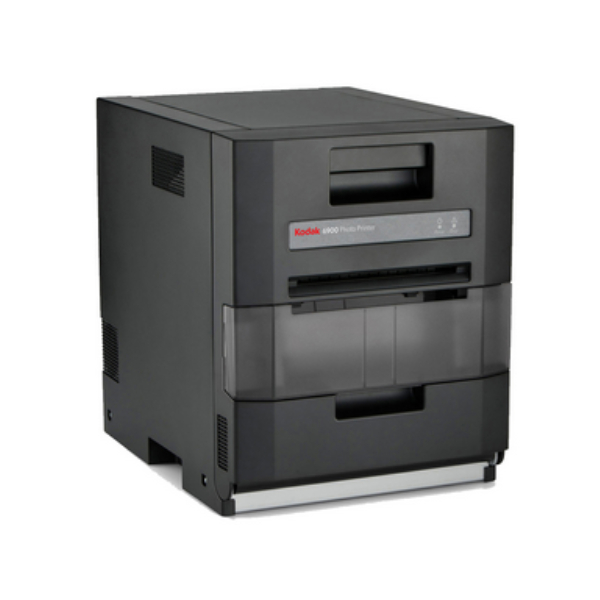
Kodak 6900 Photo Printer
KODAK ALARIS
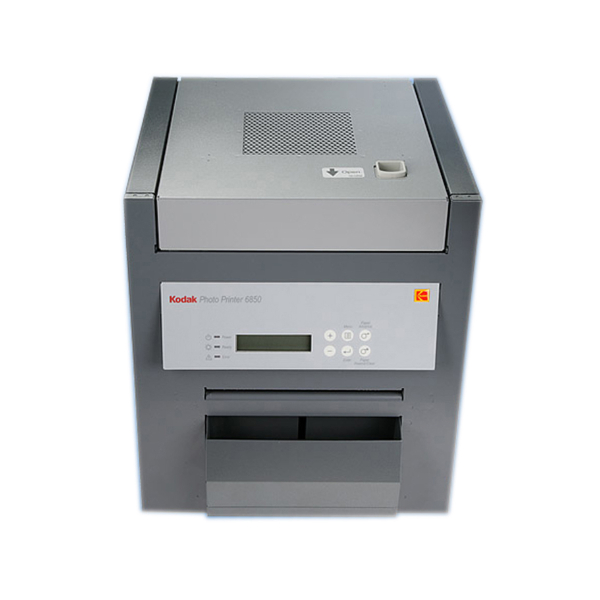
KODAK 6850 Dye Sub Thermal Photo Printer
KODAK ALARIS
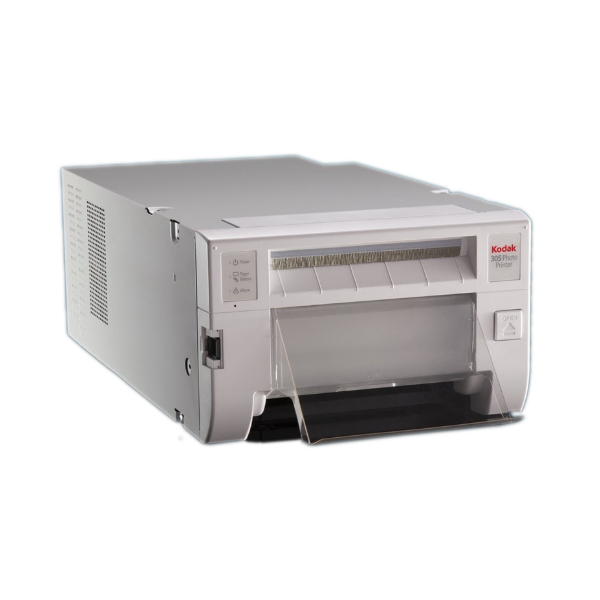
KODAK 305 Dye Sub Thermal Photo Printer
KODAK ALARIS
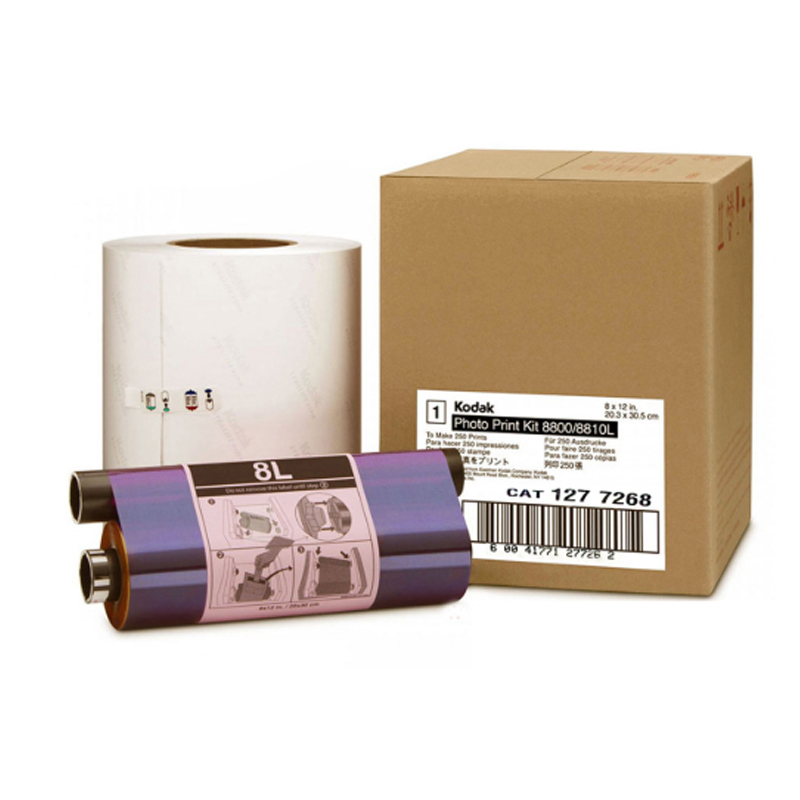
Kodak 8800/8810 Dye-Sub Photo Printer Media Kit
KODAK ALARIS
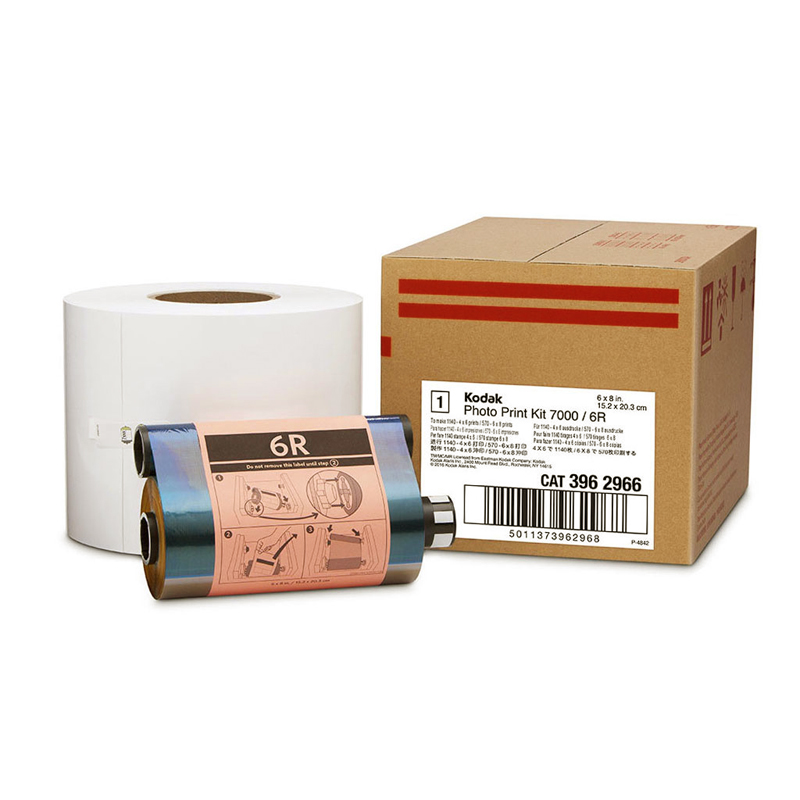
Kodak 7000 Dye-Sub Photo Printer Media Kit
KODAK ALARIS
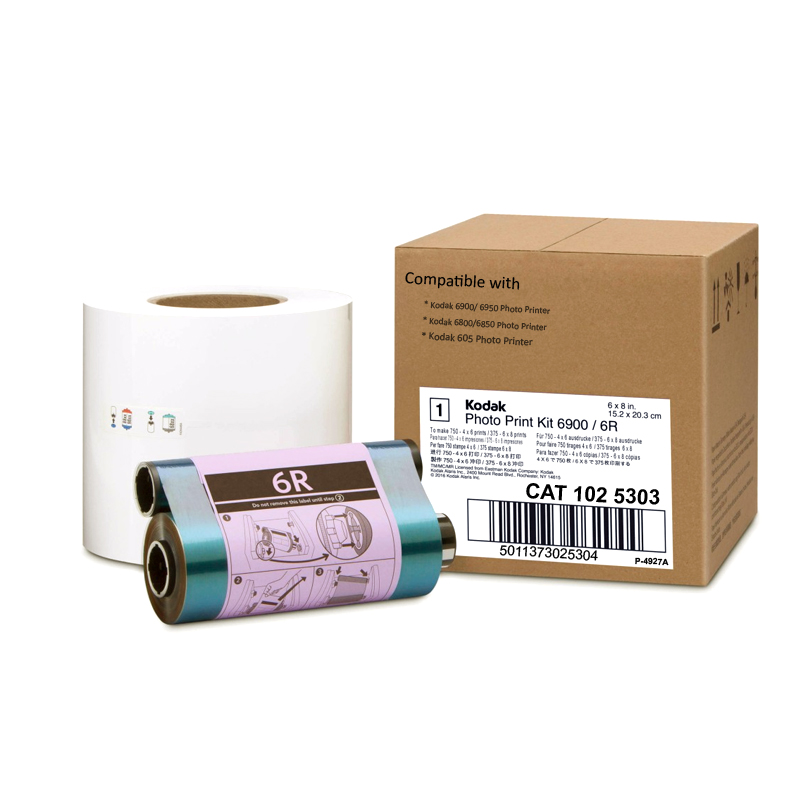
Kodak 6850/6900 Dye-Sub Photo Printer Media Kit
Recently Viewed